Integrating Twilio SMS and Prometheus Alertmanager

Introduction
Prometheus is a widely used, cloud-native open source monitoring solution. Its alerting component is called Alertmanager, which can send alerts to email, Slack and elsewhere. Both Prometheus and Alertmanager fit very well into the infrastructure as code model as well. Twilio SMS is a SMS sending service with consumption-based pricing model with an extensive API. With some effort you can integrate Twilio SMS and Prometheus together as described in this article.
Testing AlertManager webhooks with curl

Introduction
Prometheus is a Cloud-native metrics platforms that is very easy to manage with infrastructure as code tools. Prometheus is often couple with Alertmanager which handles alerting and alert routing. AlertManager has good support for various alert transport (e.g. email or slack) but its alerting capabilities can be extended with custom webhooks. When AlertManager is configured to use a webhook in an alert route, it forwards alerts to an HTTPS/HTTP endpoint instead of handling transporting of the alert itself. AlertManager’s official documentation gives a rough idea of what kind of payload to use and how to configure the webhook in alertmanager.yaml. What is not documented is how you can send test alerts to the webhook without having to trigger real (or fake) alerts in Prometheus. While using fake alerts does work, it is a slow, tedious and invasive process. This article shows one way for testing AlertManager webhooks with curl. In our case the target was to speed up testing of changes to promtotwilio.
Helpotusta työsuhde-etujen lataamiseen: Edenred-latausten automatisointi
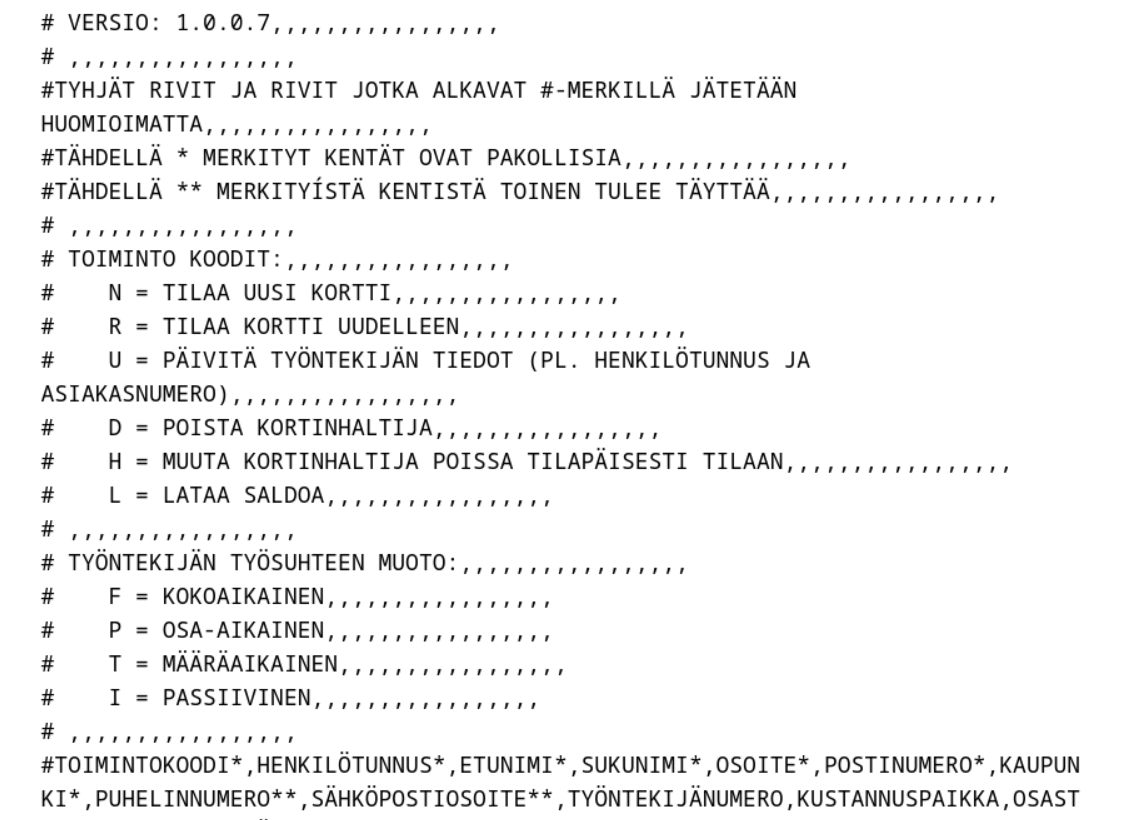
Kyllästyimme Edenred-korttien latauksen kankeuteen ja automatisoimme latausprosessin. Tässä artikkelissa kerrotaan, miten automaatio toteutettiin CSV-tiedostoilla ja ohjelmistorobotilla. Lisäksi artikkelista löytyy linkit GitHub-sivustollemme, josta voit ladata koodit käyttöösi.
Edenred-korttien lataustapoja
Edenred on yksi suurimmista suomalaisista työsuhde-etujen tarjoajista. Edenred tarjoaa fyysisiä ja virtuaalisia kortteja, joihin voidaan ladata työntekijöiden lounas-, virike- ja työmatkaetuja. Edenred-korttien lataamiseen on lukuisia tapoja, mutta kaikki ne vaativat merkittävästi käsityötä työntekijän ja/tai työnantajan puolelta. Vaikka työntekijät voivatkin automatisoida omat saldolatauspyyntönsä, pitää työnantajan silti muistaa hyväksyä ne. Tässä artikkelissa esitellään tapa automatisoida Edenred lataus kokonaan CSV-tiedostolla ja Robot Frameworkia käyttävällä ohjelmistorobotilla. Ainoastaan Edenredin lähettämien saldotilauslaskujen maksu pitää tehdä käsin, joskin tämäkin olisi haluttaessa automatisoitavissa.
Adding new permission with Keycloak authorization services REST API

What does it do, this Keycloak thing?
Dear seasoned keycloaker, as you probably know, Keycloak is a stable, scalable, programmable and otherwise killer platform to centralize all your identity, authentication and authorization needs. Keycloak supports fine-grained authorization policies using Keycloak authorization services. We highly recommend reading our Keycloak authorization services terminology article before this article. if you don’t understand terms, you will have some hard times ahead. The purpose of this article is to give you an example of how to work with the Keycloak authorization services REST API.
Debugging Terraform AWS UnauthorizedOperation errors

Causes for the Terraform AWS UnauthorizedOperation errors
Terraform is an infrastructure as code tool you can use to configure Cloud resources in AWS. When using Terraform AWS provider you frequently run into various UnauthorizedOperation errors when creating, modifying or deleting resources. That happens unless you do what you should not do and let Terraform use an AWS API key tied to an IAM user with full admin privileges. In almost all cases Terraform UnauthorizedOperation errors are caused by missing IAM permissions. It can sometimes be a bit tedious to get to the root cause, because Terraform may not show it in its normal output.
How to disable S3 bucket ACLs

Introduction
AWS recommends that you disable S3 bucket ACLs for all new buckets. To understand why some background information is needed.
AWS S3 providers two ways to manage access to S3 buckets and objects:
-
Access policies: these are standard IAM policies that you attach to users (“user policies”) or resources (“resource-based policies”). IAM policies are the recommended method for managing access to Amazon S3 nowadays.
-
Access Control Lists (ACLs): ACLs are an older access control method for AWS S3. ACL map to IAM permissions. ACLs works on the bucket and object (file) file.
Microsoft Teams: a rant
It’s time for a brief rant about Microsoft Teams. Before we start I’ll state that Teams is probably an ok platform for collaboration when you work for just one organization. But when you need to work with multiple organizations, each with their own Teams, you immediately run into a world of hurt. There are two reasons:
-
There are no third-party clients or plugins for Teams
-
Official Teams web and desktop clients force you to actually switch workspaces (or organizations) if you want to participate in discussions
Convert a hash into JSON in Puppet

This article shows you how to convert a hash into JSON in Puppet using a simple ERB template that gets its data from Hiera.
Suppose you have this data in Hiera:
myhash:
  mykey:
    foo: one
    bar: two
Converting a hash into a JSON file on the target node is surprisingly easy. First look up the data:
$myhash = lookup('myhash', Hash)Then create a simple ERB template (here: mymodule/templates/myhash.erb)
Terraform downloads the deprecated azure provider
You are 100% sure that all your Terraform resources are using terraform-provider-azurerm, yet Terraform attempts to download the deprecated “azure” provider:
$ terraform init
Initializing modules...

Initializing the backend...

Initializing provider plugins...
- Finding hashicorp/local versions matching "2.2.3"...
- Finding latest version of hashicorp/azure...
- Finding hashicorp/azurerm versions matching "3.17.0"...
- Installing hashicorp/local v2.2.3...
- Installed hashicorp/local v2.2.3 (signed by HashiCorp)
- Installing hashicorp/azurerm v3.17.0...
- Installed hashicorp/azurerm v3.17.0 (signed by HashiCorp)
╷
│ Error: Failed to query available provider packages
│
│ Could not retrieve the list of available versions for provider hashicorp/azure: provider registry registry.terraform.io does not have a provider named
│ registry.terraform.io/hashicorp/azure
│
│ Did you intend to use terraform-providers/azure? If so, you must specify that source address in each module which requires that provider. To see which
│ modules are currently depending on hashicorp/azure, run the following command:
│     terraform providers
╵
You grep the state file and find no references to the “azure” provider. You assume that the cause is some nested module that depends on it, but no, that’s not it. You run “terraform providers” and see that indeed, the “azure” provider is required:
Azure Private DNS and VPN Gateway

What is Azure Private DNS?
Azure Private DNS is a DNS service for Azure virtual networks. You can register a private DNS zone to Azure Private DNS and then link that zone with one or more virtual networks. If you enable DNS auto-registration for a virtual network, a new resource (e.g. virtual machines and VPN Gateways) will automatically add its IP address to Azure Private DNS. Resources in the linked virtual networks can use entries in Azure Private DNS to locate each other, instead of relying on IP addresses or the default Azure DNS domain. You can make Azure Private DNS and Azure VPN Gateway work together in several ways, some of which this article will describe.